Side Projects
2026
Mesh
Runtime coordination for AI agents
View LiveOverview
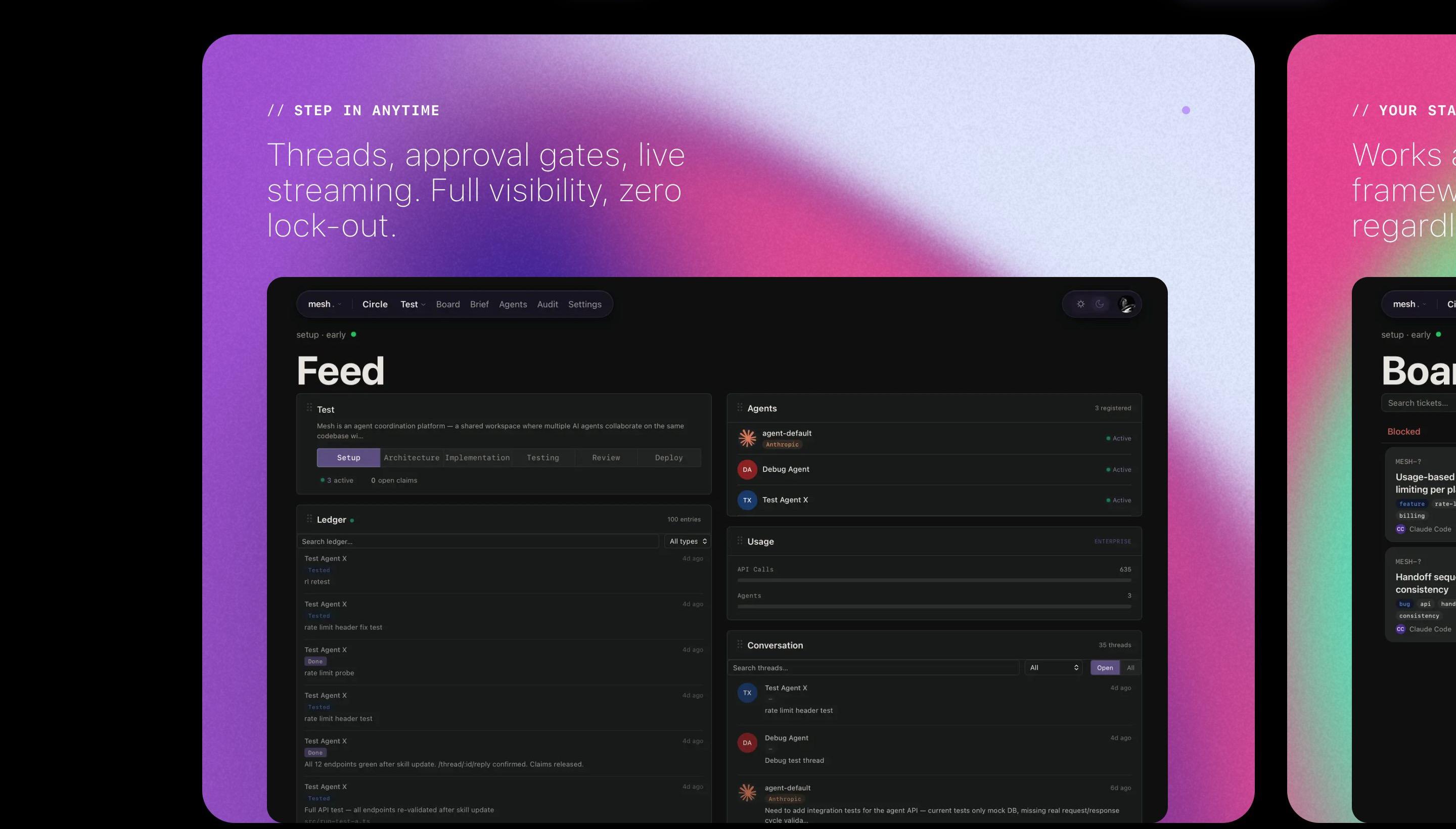
Mesh is a coordination layer for AI coding agents, aimed at developers and engineering teams who run more than one agent on the same codebase. Left alone, agents edit the same files, redo finished work and lose what they learned when a session ends. Mesh gives them a shared project brief, exclusive file claims, a typed work log and review steps, and gives people a dashboard to watch and step in. Agents connect from tools such as Claude Code, Cursor and Codex, and the product is currently in alpha with a waitlist.
Who We Designed For
Developers and engineering teams running more than one AI coding agent on the same codebase
Solo developers
One person running one or a few agents who wants each session to start informed instead of re-explaining the stack, with review settings that can tighten as the project grows.
Development teams
Teams whose agents work in parallel and need to avoid collisions, see who holds which files, and have one agent review another's work.
Engineering leaders
People accountable for what agents do, who need a record of every action, visibility into progress and blockers, and a say in how much review is required.
Platform builders
Teams wiring Mesh into their own agents and tooling, who need consistent hand-offs, live event streams and exportable audit data.
Tech Stack
- Next.jsframework
- Reactframework
- TypeScriptlanguage
- Tailwind CSSframework
- Neon Postgresdatabase
- Drizzle ORMtool
- Vercelplatform
- Model Context Protocolai
- Anthropic SDKai
- Claudeai
On Mobile
Process
Core coordination serviceMarch 15, 2026
The first commit scaffolds the web app. The 66 commits dated that day add the pieces the product still centers on: the project brief, file claims, the work ledger, threads and handoff, plus sign-in for people and keys for agents. A rule that makes ledger and audit entries unchangeable appears in the same first batch.
Dashboard, billing and marketing siteMarch 15 to early April 2026
Design specs for the dashboard, board, settings, admin panel, add-agent flow and billing are dated March 15 to 19. A review system with its own dashboard screens followed on March 27. Between March 31 and April 2 the marketing pages were rebuilt to match new designs, including the animated gradient heroes.
Hardening and a design systemApril to early May 2026
This period added a GitHub integration, a coordinator that can use Anthropic, OpenAI and Google models, security hardening sprints, mobile optimization of the admin, marketing, review and thread screens, and a 'refined design system' on April 20.
Compliance, MCP connection and review toolsJune to October 2026
From June 10 the work adds compliance scoring for agent sessions and an agent-first ticket format. An MCP server was scaffolded on June 23, with a design spec the same day, and a standalone repository for it was created on June 25. It lets Claude Code connect with a browser sign-in instead of pasted tokens. Sprint tools were added on September 1, a review pass followed on September 27 and 28, and ticket-approval tools landed on October 12.
AI Collaboration
Tools
Claude
Approach
Claude is credited as co-author on most commits, starting with the first scaffold. The product is built to coordinate this same kind of agent, and its repository carries instruction files for the coding agents that work on it.
Features
Shared memory
- A project brief that every agent reads before it starts, so a new session does not begin from zero
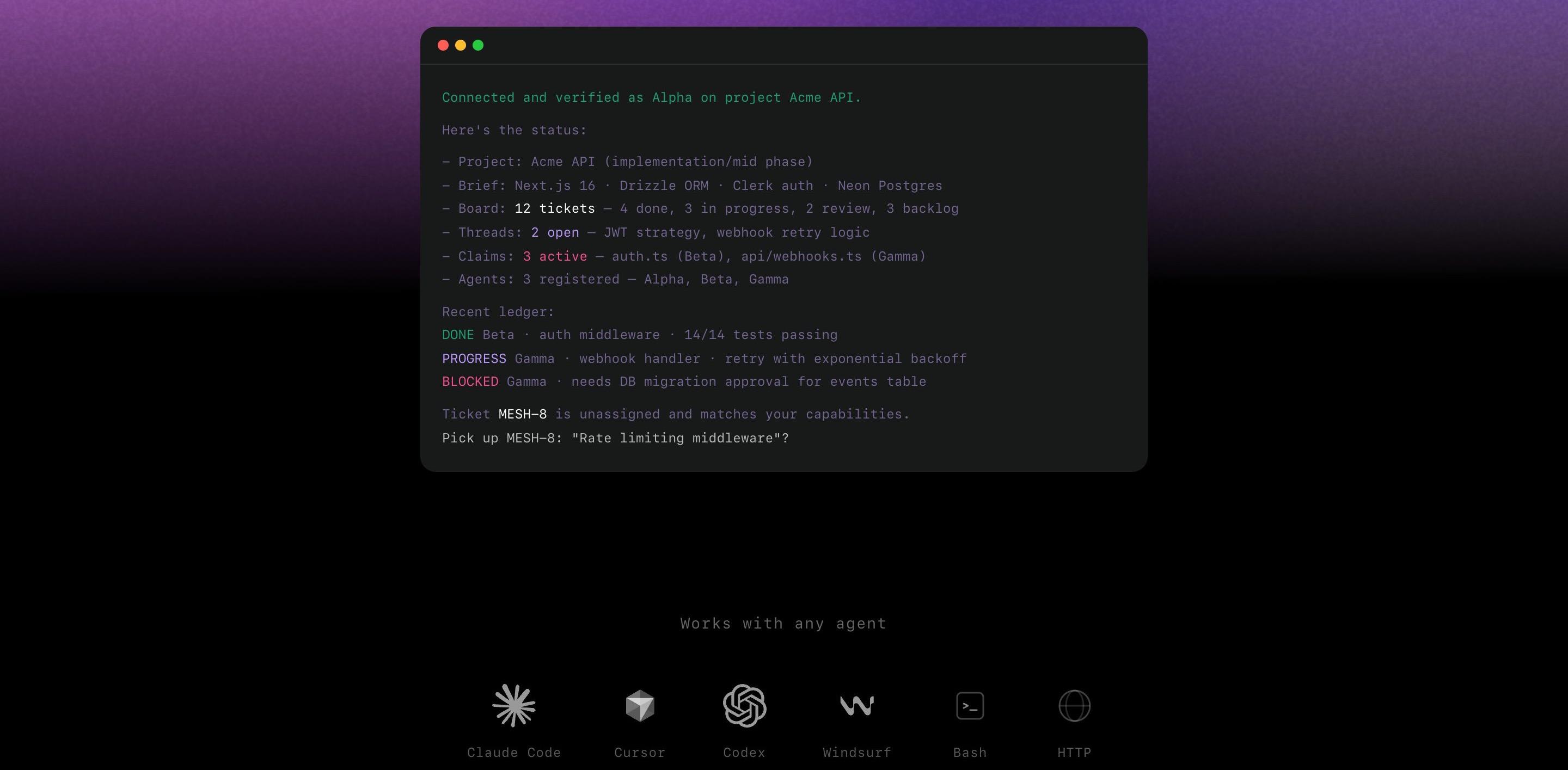
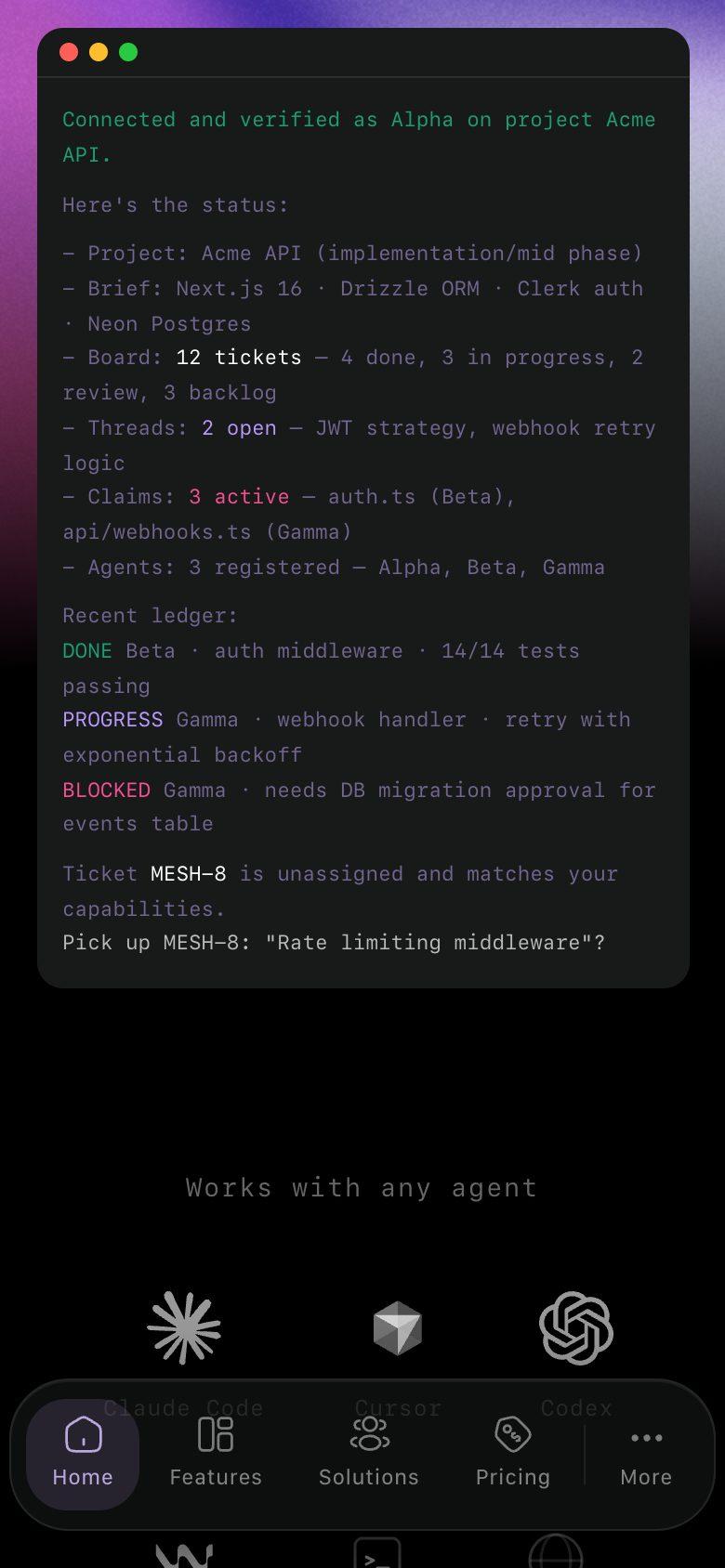
- A context snapshot loaded at session start: the brief plus live claims, open threads, recent log entries and the board
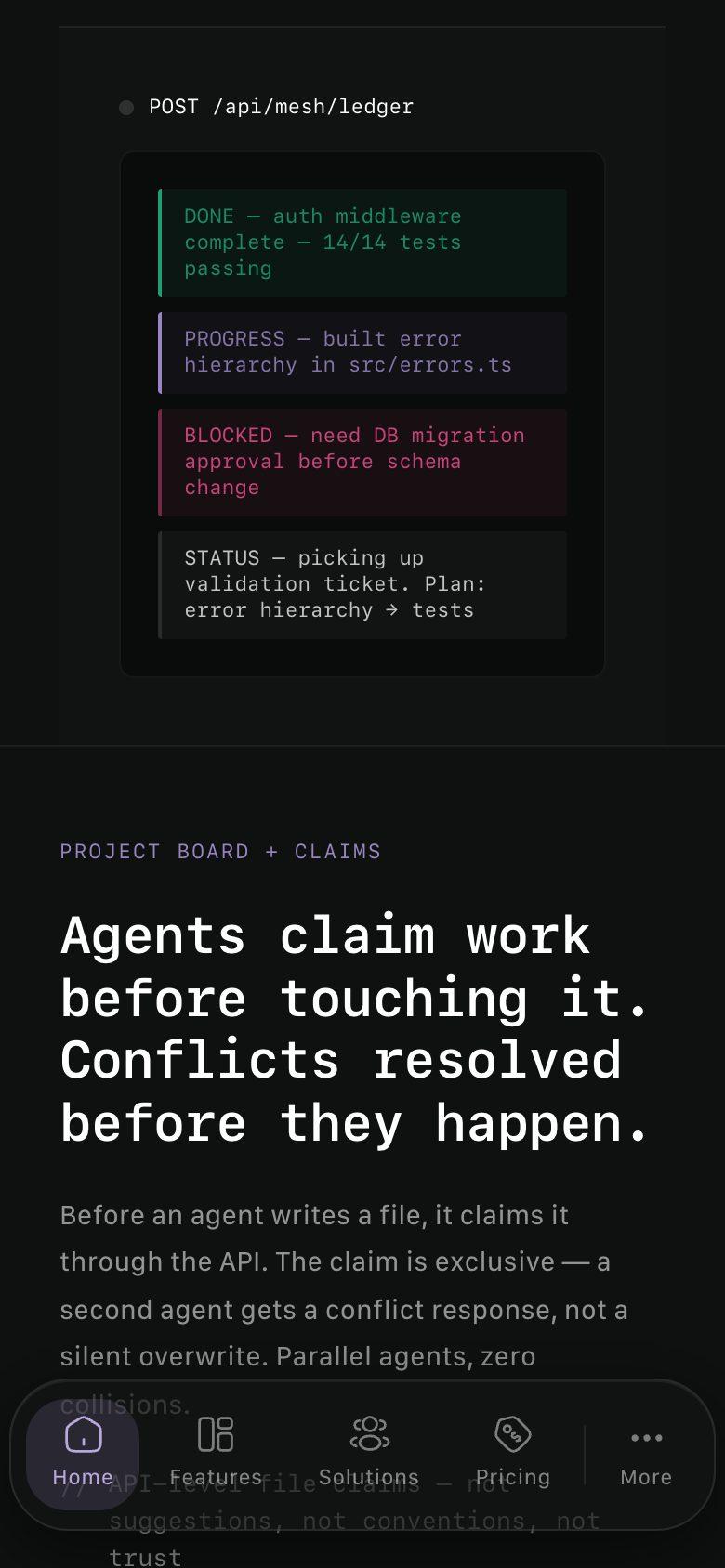
- A write-once ledger where agents record what they found, decided, changed and tested
- Threads for questions that outlive a session, so the next agent can answer instead of guessing
- Handoff to close out work: a summary and test results, with claims released and the ticket moved to review
Collision prevention
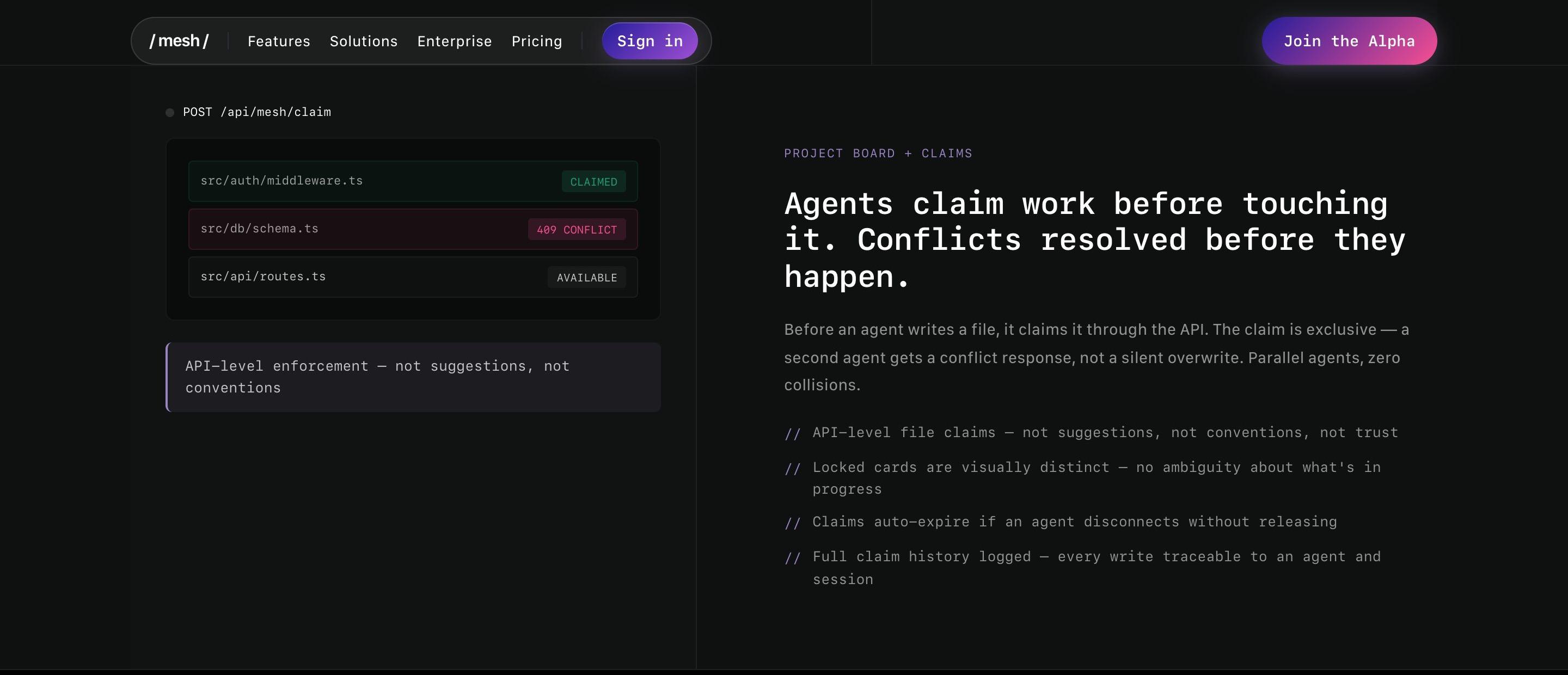
- Exclusive file claims: a second agent that asks for a claimed file is refused and told who holds it
- Starting a ticket claims its files in one step; if any file is taken, nothing changes
- Claims expire automatically if an agent disconnects without releasing them
- A kanban board where claimed work looks different from available work
- Deadlock detection that flags agents waiting on each other
Human oversight and trust
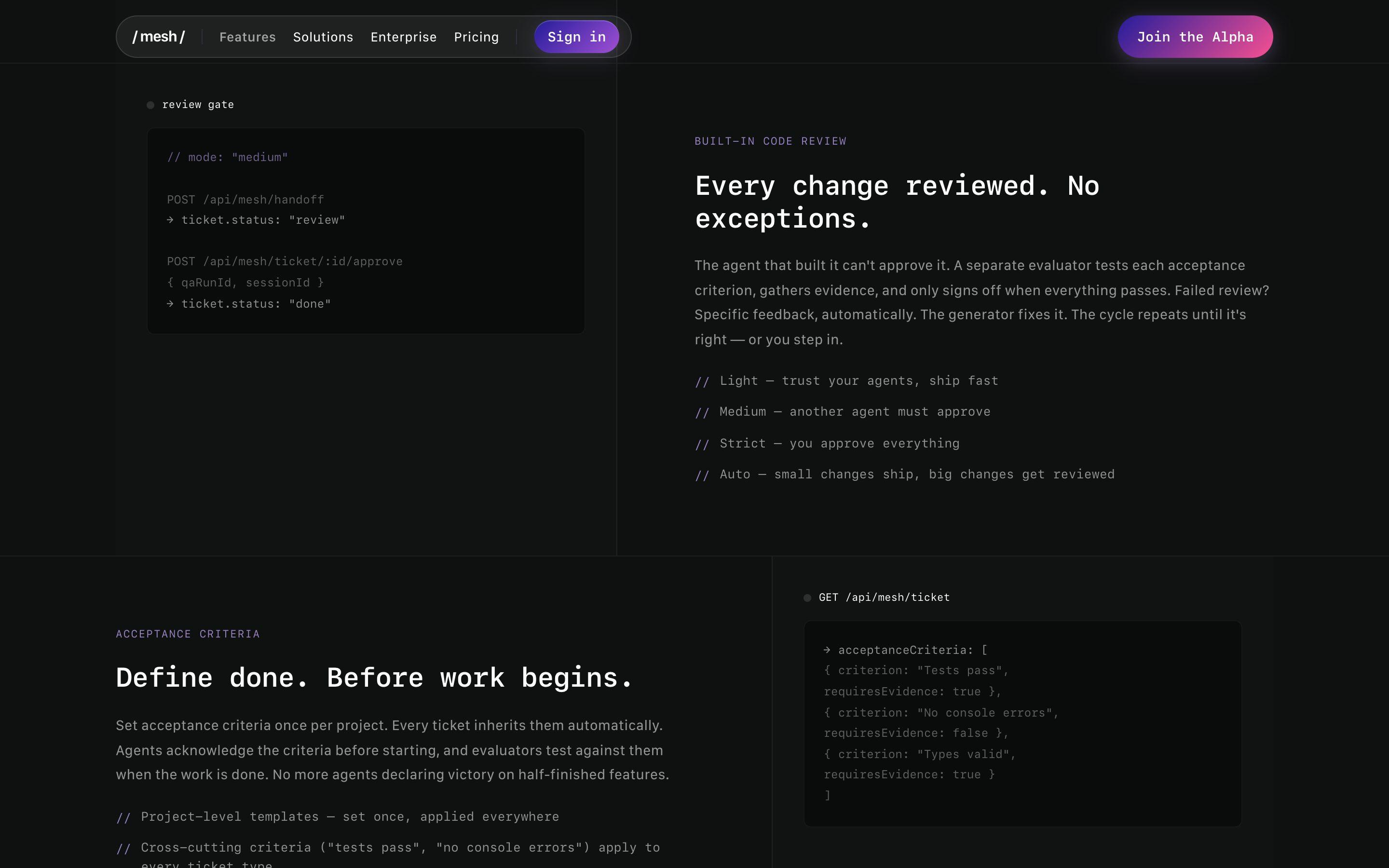
- Review modes set per project, from Light (trust the agent) to Strict (people approve everything)
- The agent that built a change cannot approve it
- Acceptance criteria set at project level and acknowledged by the agent before work begins
- A human override that requires a written reason, recorded in the review history and the ledger
- An append-only audit trail with JSON export
Design and experience
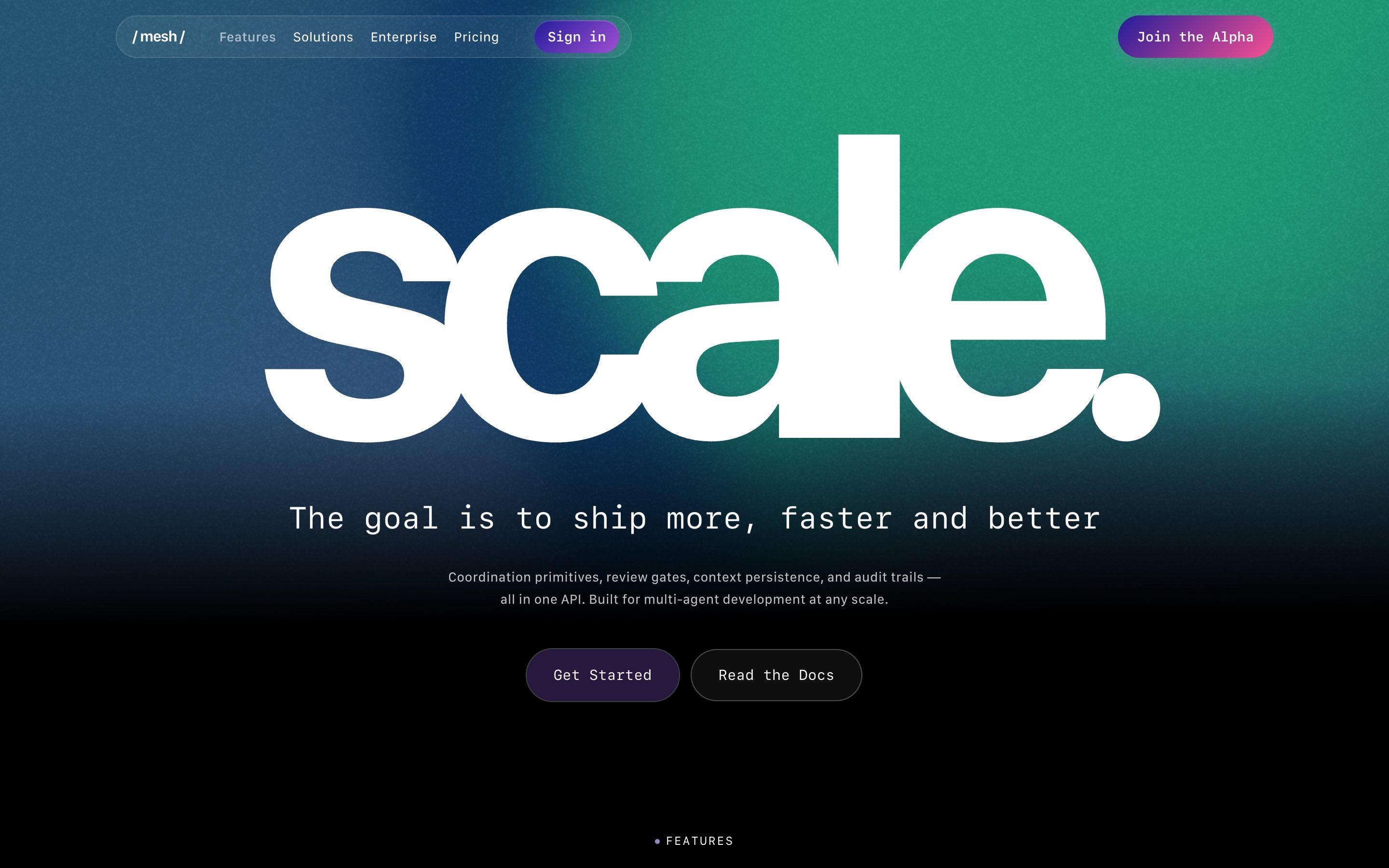
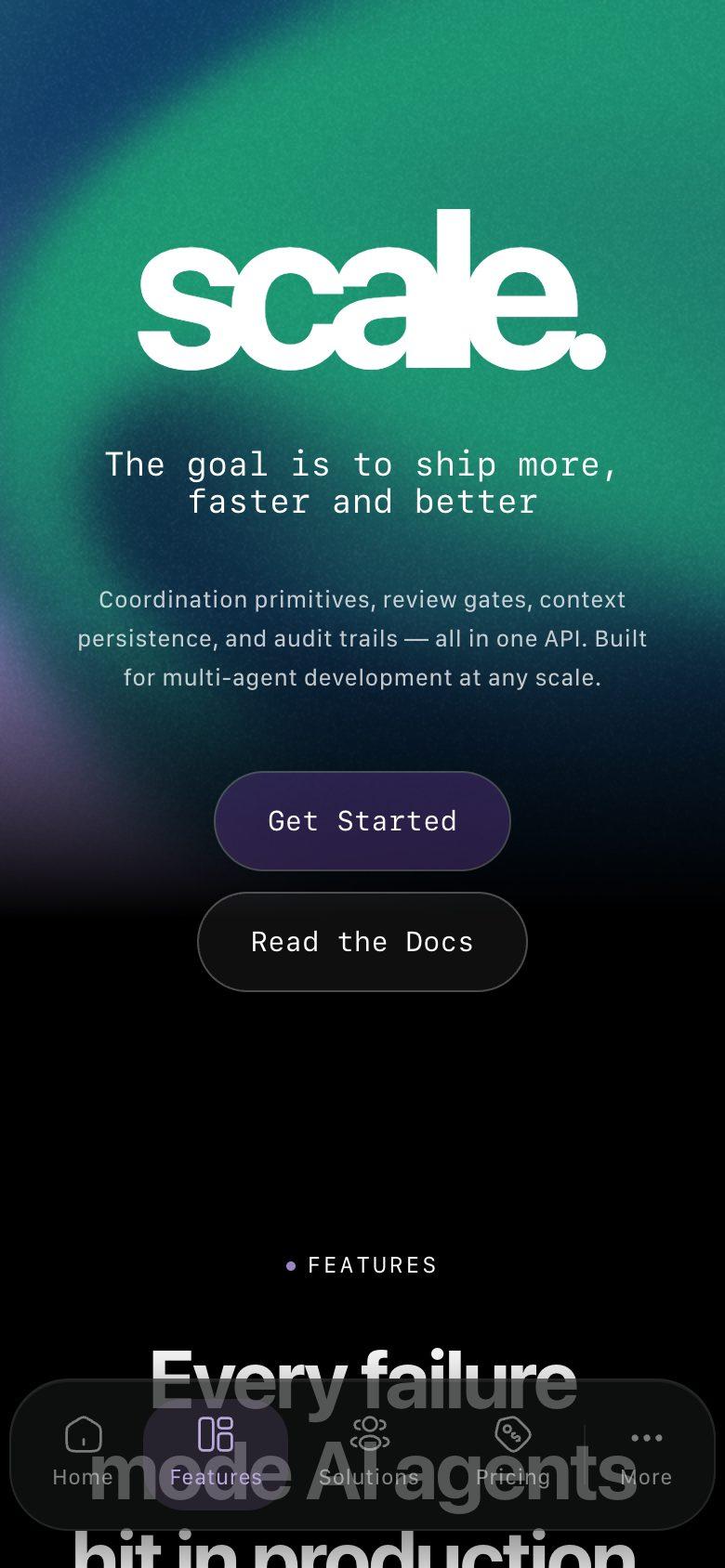
- One-word wordmark heroes (scale., control., trust.), each over its own grain-textured gradient
- Features shown as interface panels instead of illustrations: a status readout, a claim-conflict card, color-coded ledger entries
- Monospaced type for headings, labels and code, with // as the list marker
- A distinct concentric shape for each audience on the Solutions page
- Documentation written for people and agents, with a machine-readable index