Side Projects
2026
jomo
Your child's day, in your pocket
View LiveOverview
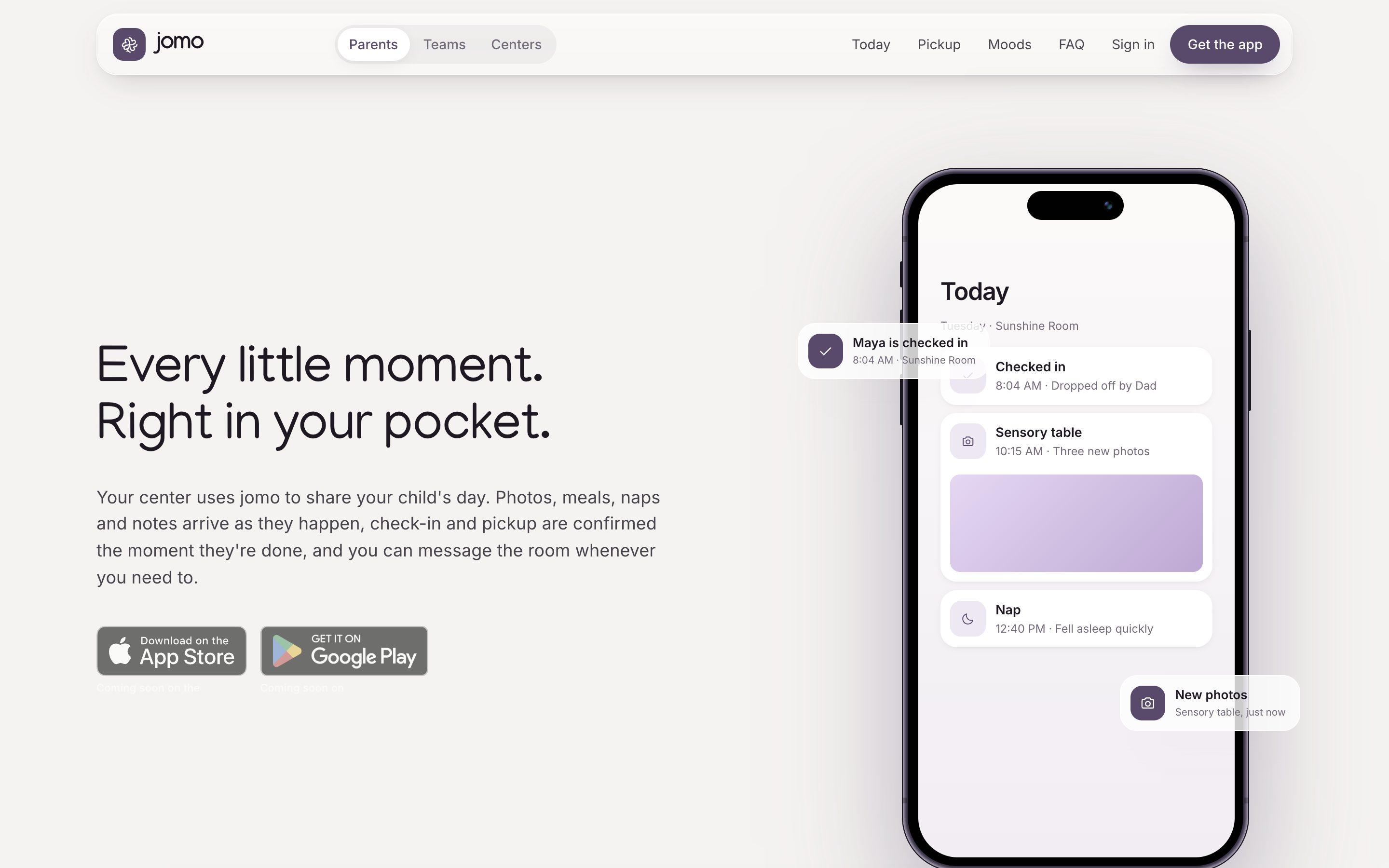
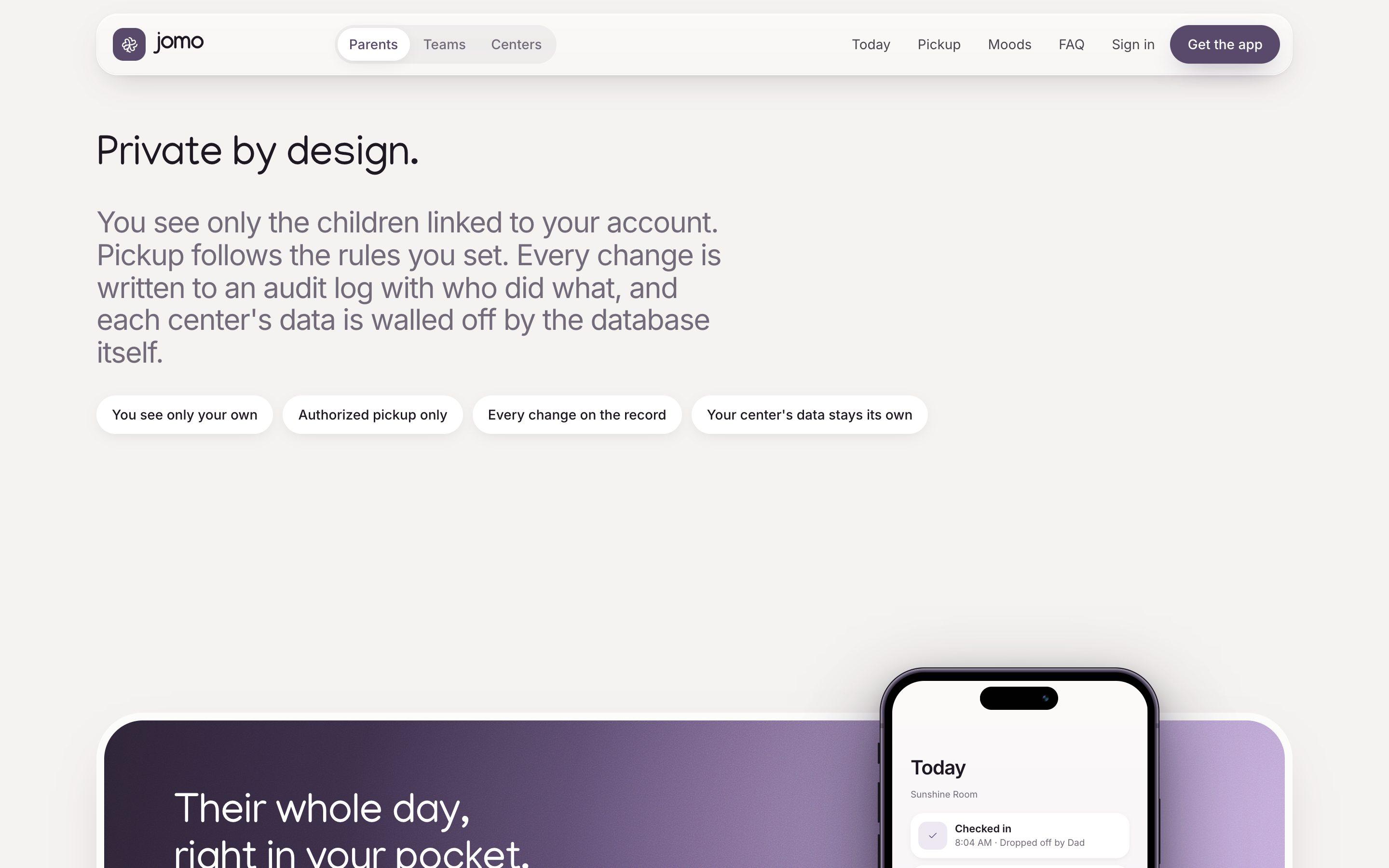
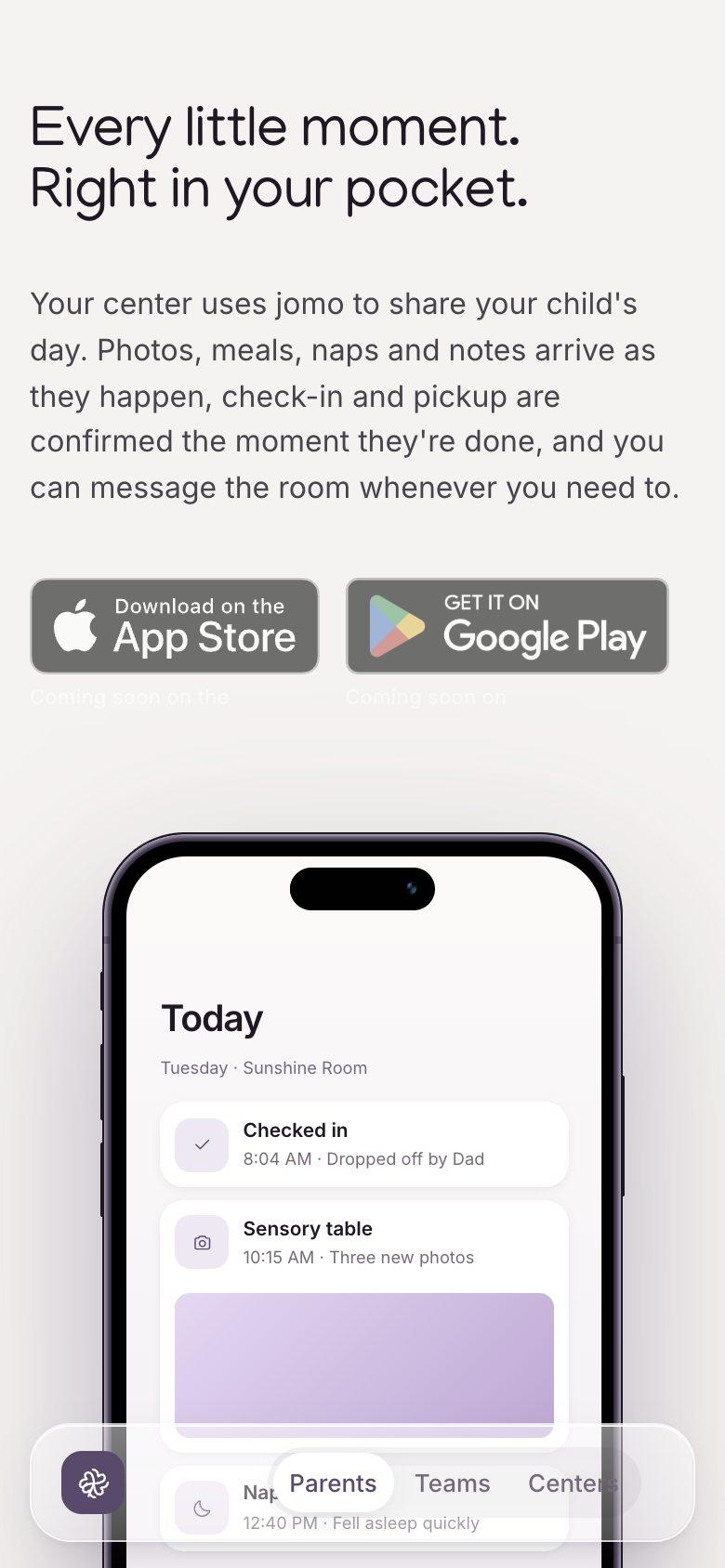
jomo is a connected childcare platform for centers, caregivers and families. Parents get an iPhone app (Android is not available yet) that shows their child's day as it happens, handles check-in and pickup, and carries moods, messages and a calendar; care teams log the day and run a room attendance board, and directors manage enrollment, rooms, staff certifications and branding on the web. Its stated aims are to reduce admin burden for providers and increase transparency for families. It is pre-release: the App Store and Google Play releases are listed as coming soon, and the latest iOS work prepares the app for TestFlight.
Who We Designed For
Families whose children attend a childcare center, and the educators and directors who run it
Parents and guardians
See their child's day, check in, tell the room about late, sick or absent days, set who may collect their child, and message the room
Care teams
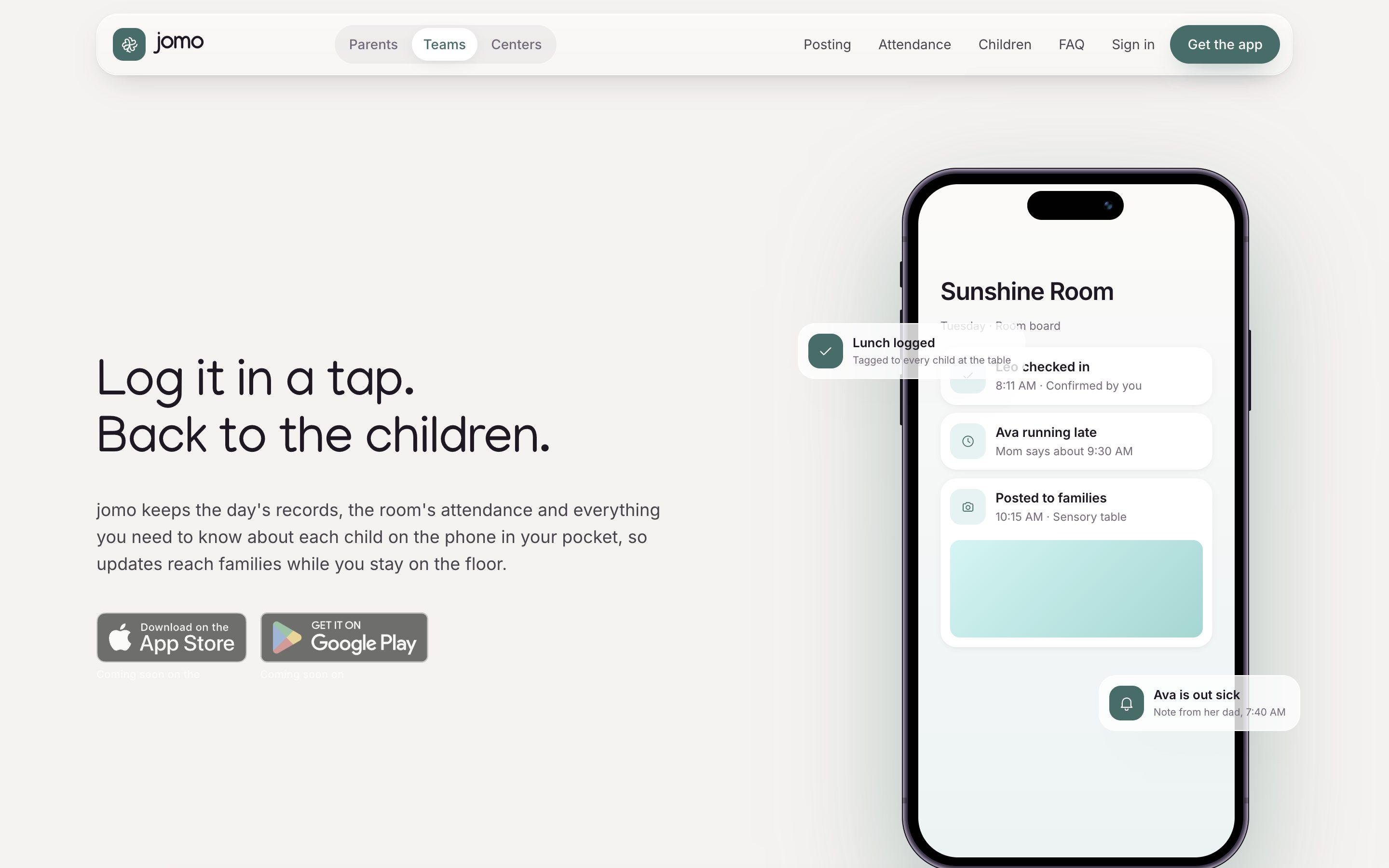
Educators and room leads who post meals, naps, photos and notes, confirm drop-off and pickup, and look up allergies and authorized contacts from a child's profile
Center directors and owners
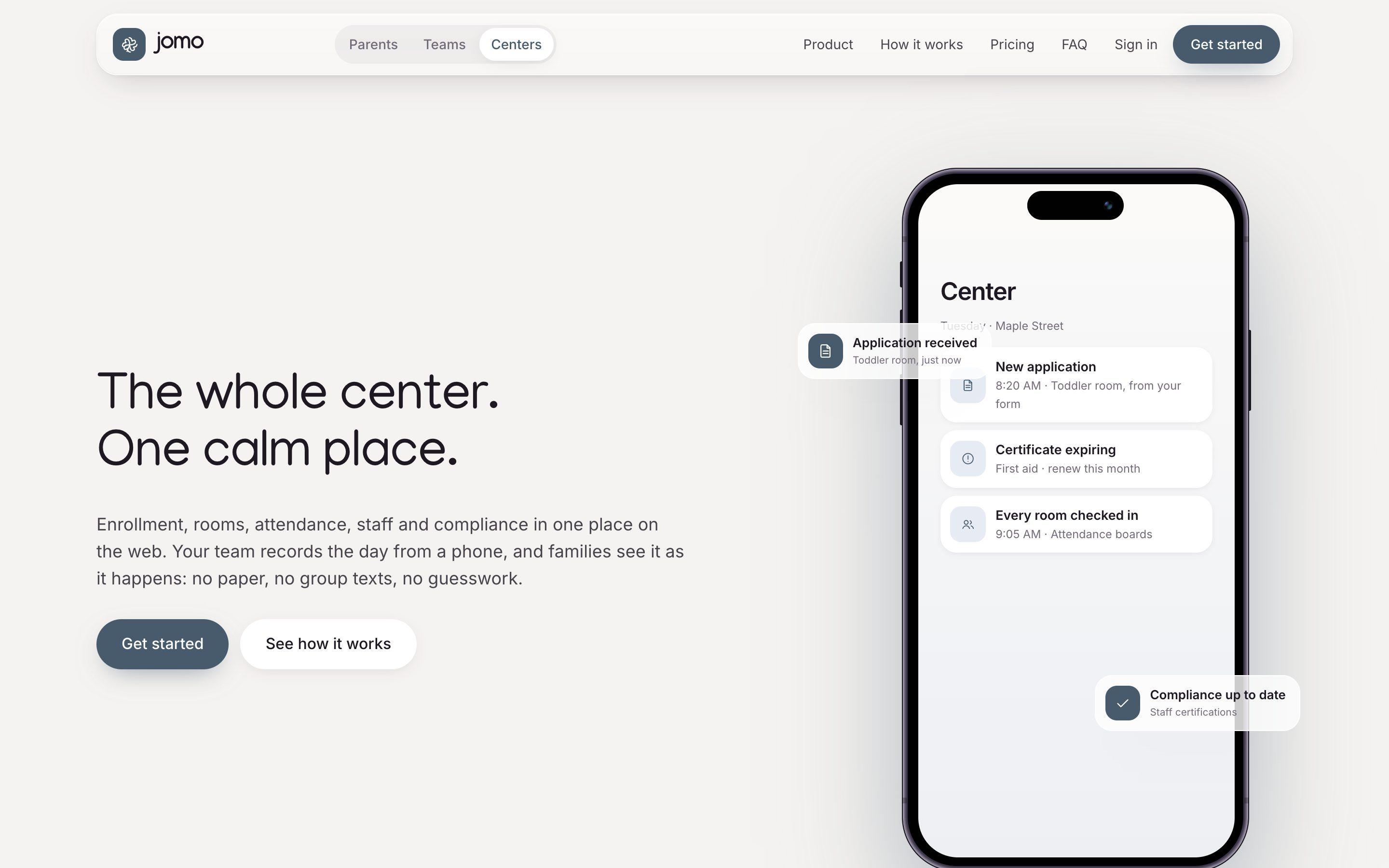
Run enrollment, rooms and ratios, staff certifications, attendance boards and center branding from the web
Authorized pickup contacts
People such as grandparents who receive a pickup pass by text that opens in Apple Wallet, with no app or account needed
Tech Stack
- Next.jsframework
- TypeScriptlanguage
- Tailwind CSSframework
- Postgresdatabase
- Drizzle ORMtool
- Vercelplatform
- Swiftlanguage
- SwiftUIframework
- Apple Walletplatform
- Apple Intelligenceai
- Claude Codeai
On Mobile
Process
Web foundation16-24 June 2026
The first commits scaffold a Next.js app and a database schema, then add role-based sign-in, center and classroom management, attendance reporting, daily reports, guardian pickup authorization and an enrollment wizard.
iOS app and shared API7-31 August 2026
Web work resumes on 7 August with room-first staff assignments, a tabbed child workspace, conversations and photo storage. The iOS repository starts on 15 August and adds sign-in, messaging, a calendar, reminders and posts, child documents, a photo cache, attendance and the first client for center branding.
Moods, branding, Wallet and the renameSeptember 2026
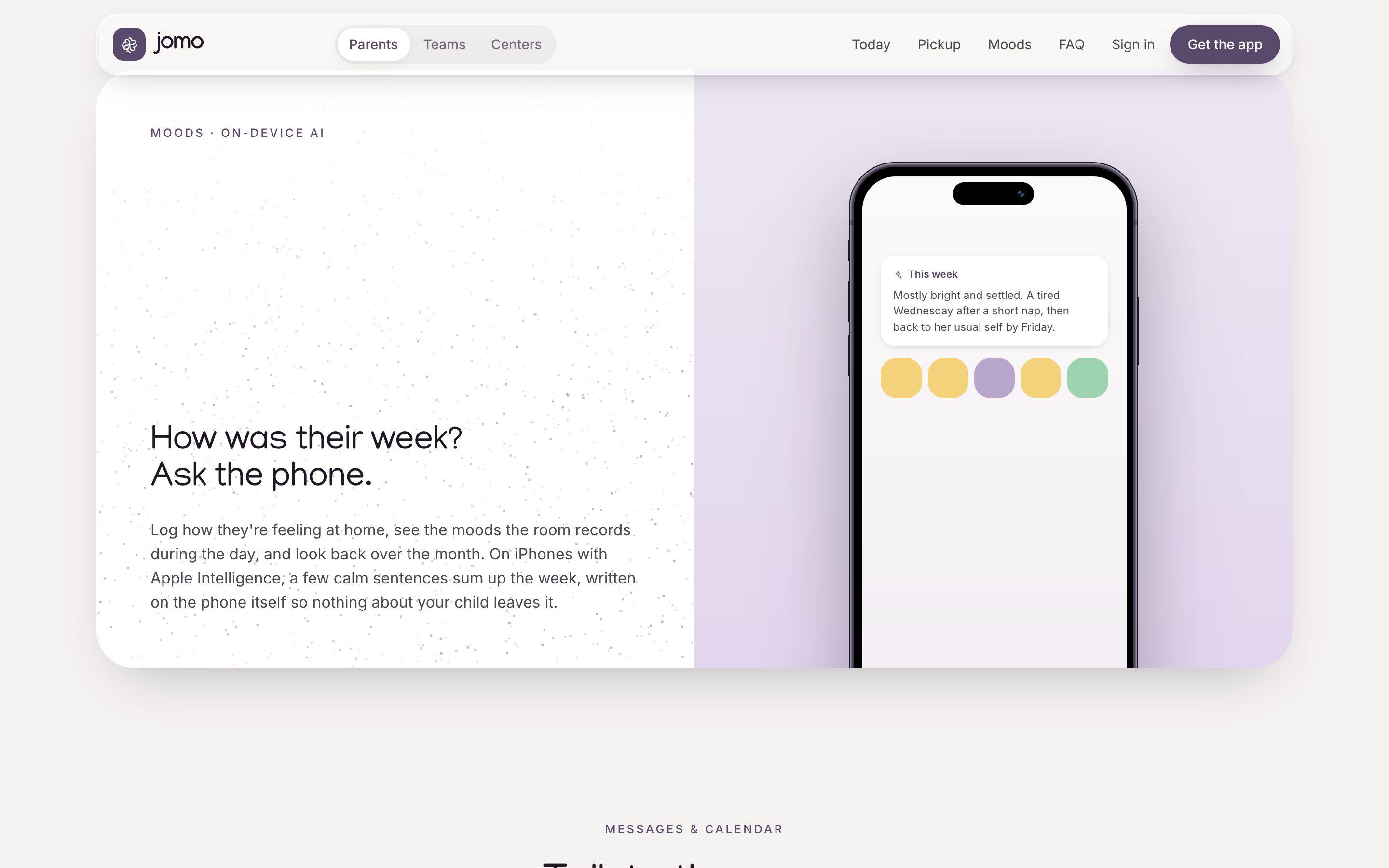
Center branding gains five palettes plus a custom one and logo upload. Moods arrive on the Today feed, including a monthly summary written on the phone by Apple Intelligence. Pickup passes can be added to Apple Wallet, a text-size setting reaches every screen, cold launch is sped up, the product is renamed from DayCare to jomo on 23 September, and the public site gets its audience switch.
Release preparation2-15 October 2026
The iOS app is prepared for TestFlight (privacy manifest, export compliance, Terms and Privacy). Other commits add the app icon and favicon, public Privacy, Terms and Support pages, account deletion, and production links on www.jomo.kids. The latest iOS commit is dated 15 October.
AI Collaboration
Tools
Claude Code
Approach
Claude is credited as co-author on most commits in both the web and iOS projects. Both also hold written plans and specs, and the web project documents a convention for how coding agents claim files, log progress and hand off.
Features
Families (iPhone)
- A Today timeline of photos, meals, naps and notes that posts as the room shares it, with swipe-back through earlier days
- Check in when the center's window opens, confirmed by staff at the door; send late, sick or absent notices to the room from the app
- Authorized pickup contacts, and pickup passes sent by text that open in Apple Wallet with no app or account
- Moods logged at home and by the room, with a weekly summary the site says is generated on the phone
- Messages to the room with photos and files attached, and one calendar for closures, trips and parent evenings
Care teams
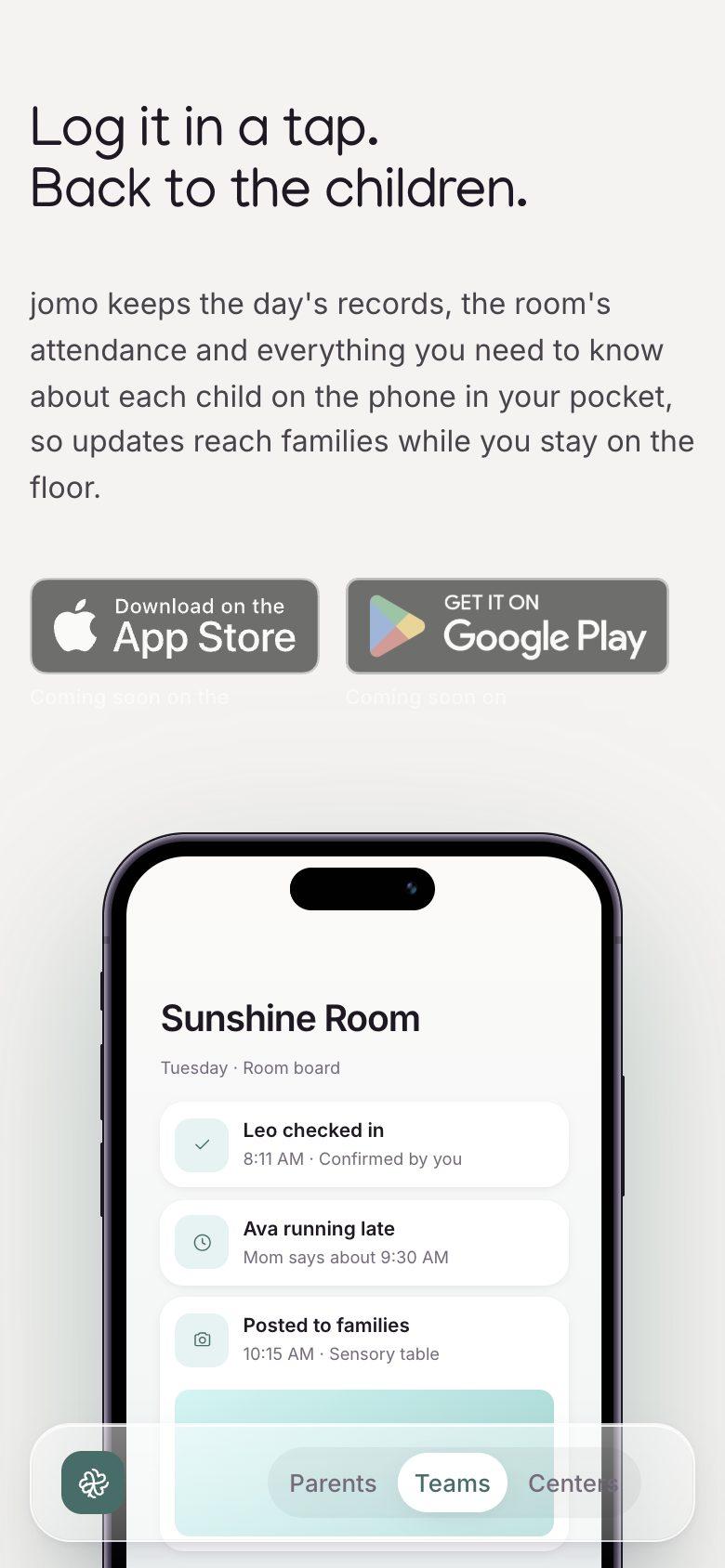
- A post composer with quick selects for meals, activities, naps, notes and photos, tagged once to every child in the moment
- A room board showing who is checked in, expected or out, which resets at the center's midnight
- Confirm each drop-off and pickup at the door; the family is told straight away
- Child profiles holding allergies, medical notes, guardians, authorized pickup and family-shared documents
- One message thread per family, with photos and files
Centers (web)
- An online application form for the center: review each application, accept it into a room, and invite the family
- Staff certifications with expiry dates
- Rooms, ratios and live attendance boards
- An audit log of who changed what
- Invites by email for staff and families, with room assignments
Interface and privacy decisions
- One site with three audience pages (Parents, Teams, Centers), each with its own accent colour and in-page navigation
- Center branding: a center uploads a logo and picks a palette that families and staff see in the app
- A text-size setting that reaches every screen of the iOS app
- Moods drawn as shapes, with a distinct shade and pace for each feeling
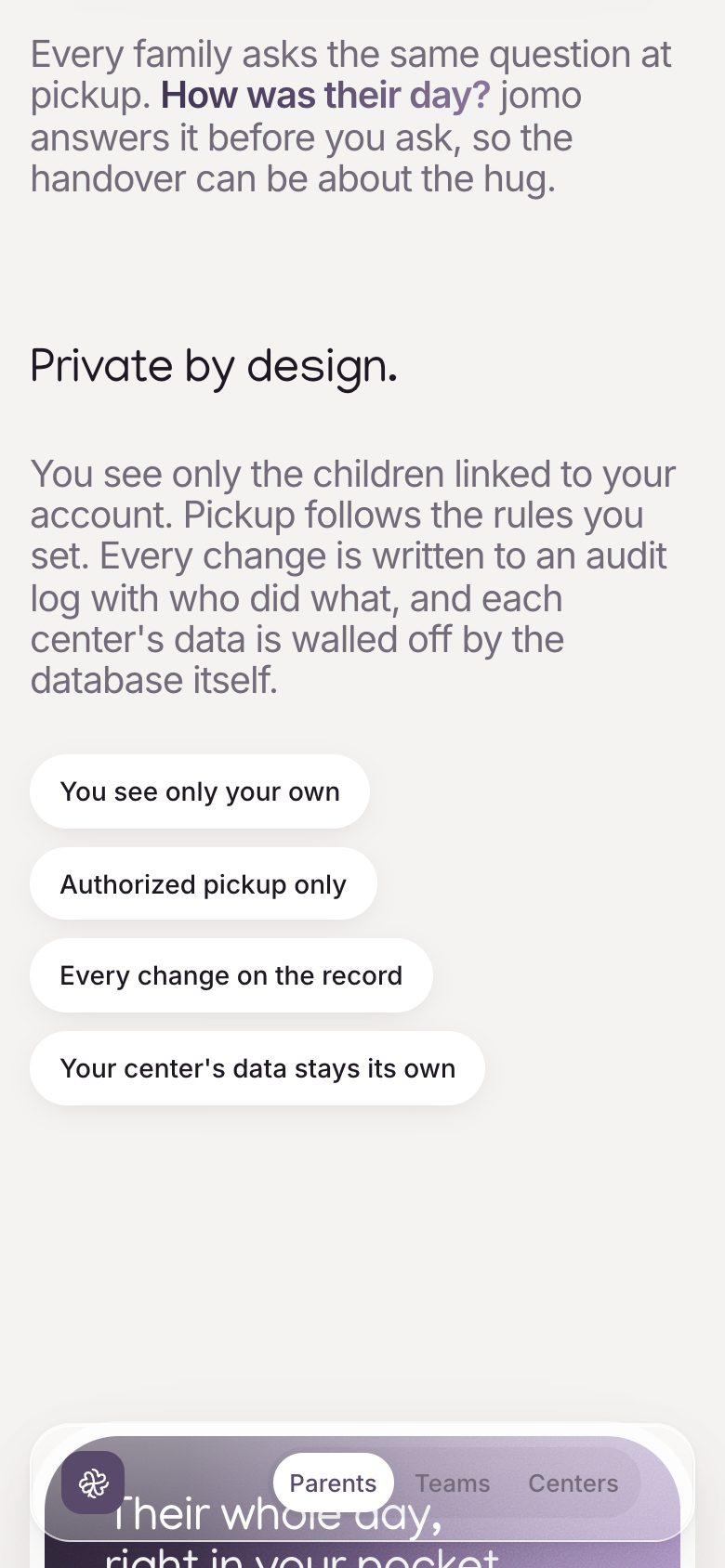
- Privacy stated as design principles on the site: families see only their own children, pickup follows rules the family sets, every change is logged