Side Projects
2026
Remote Gaze
Your whole Mac, in hand, on iPad and iPhone
View LiveOverview
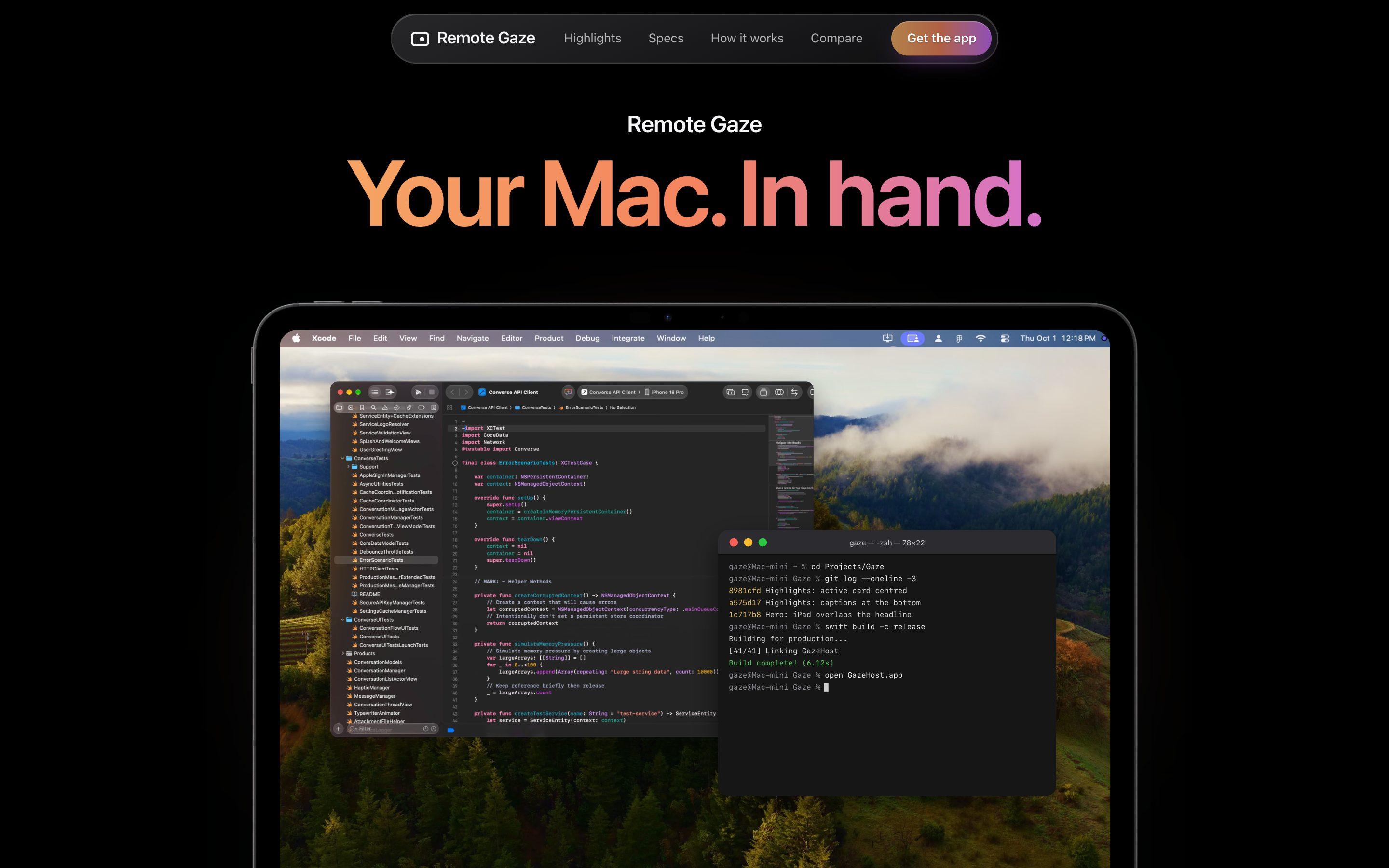
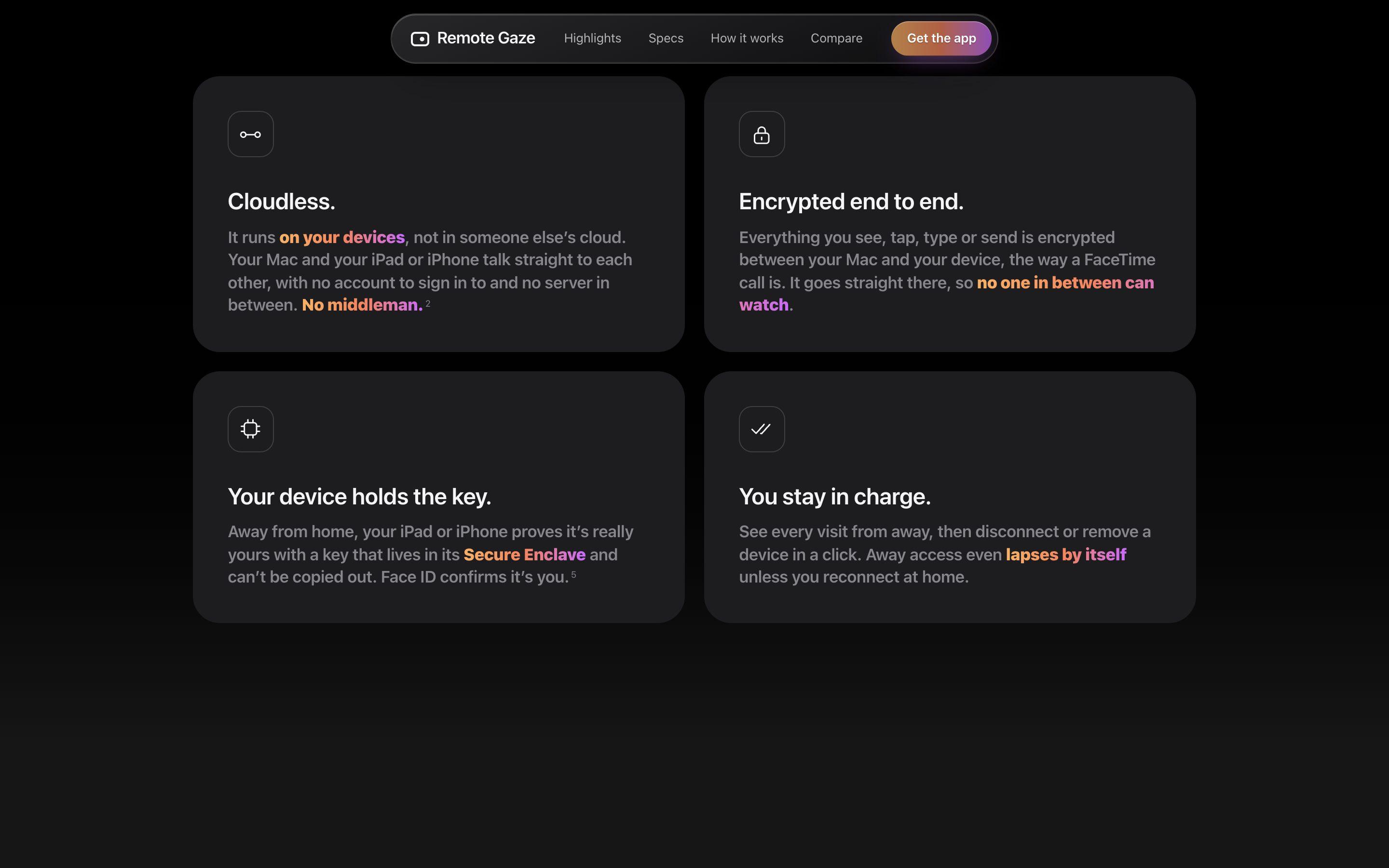
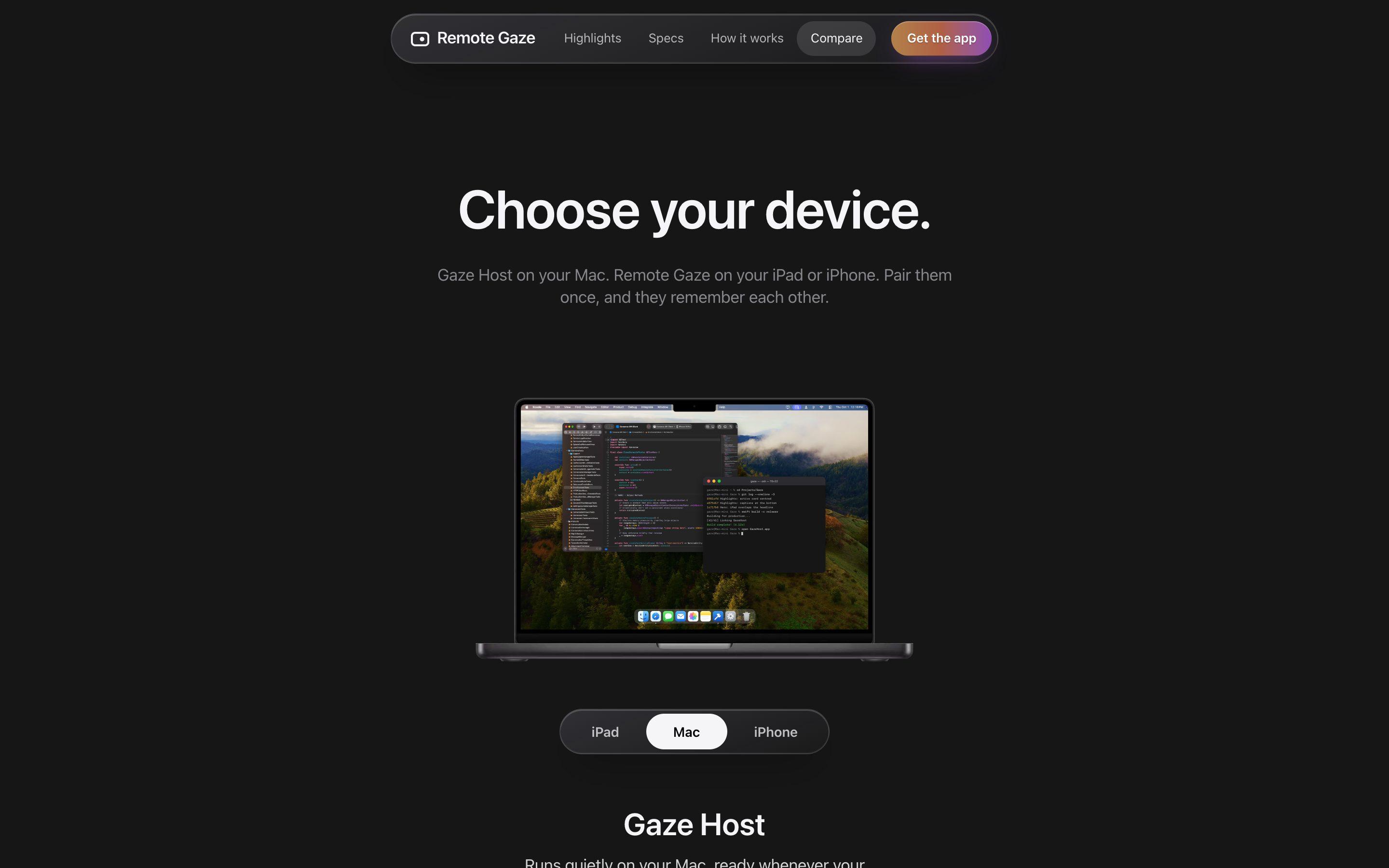
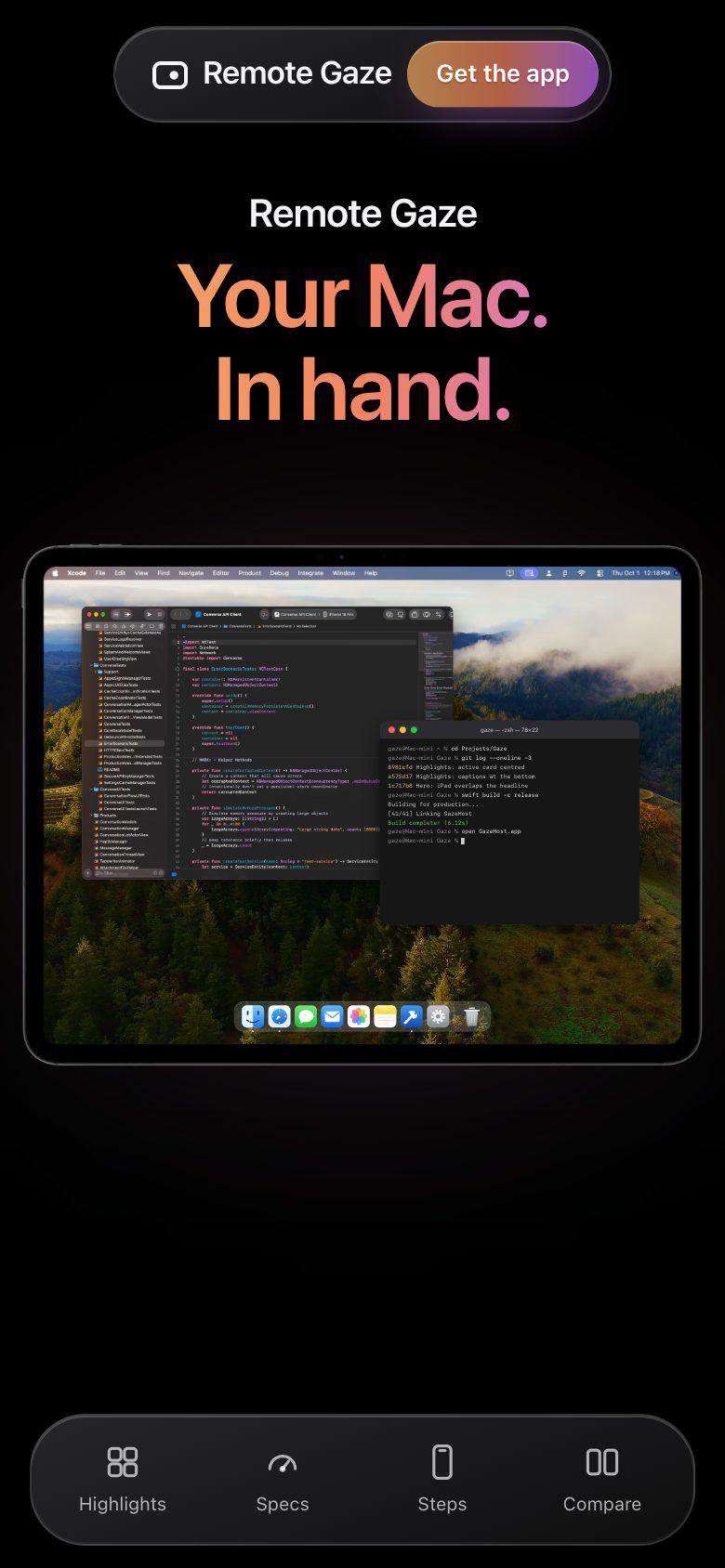
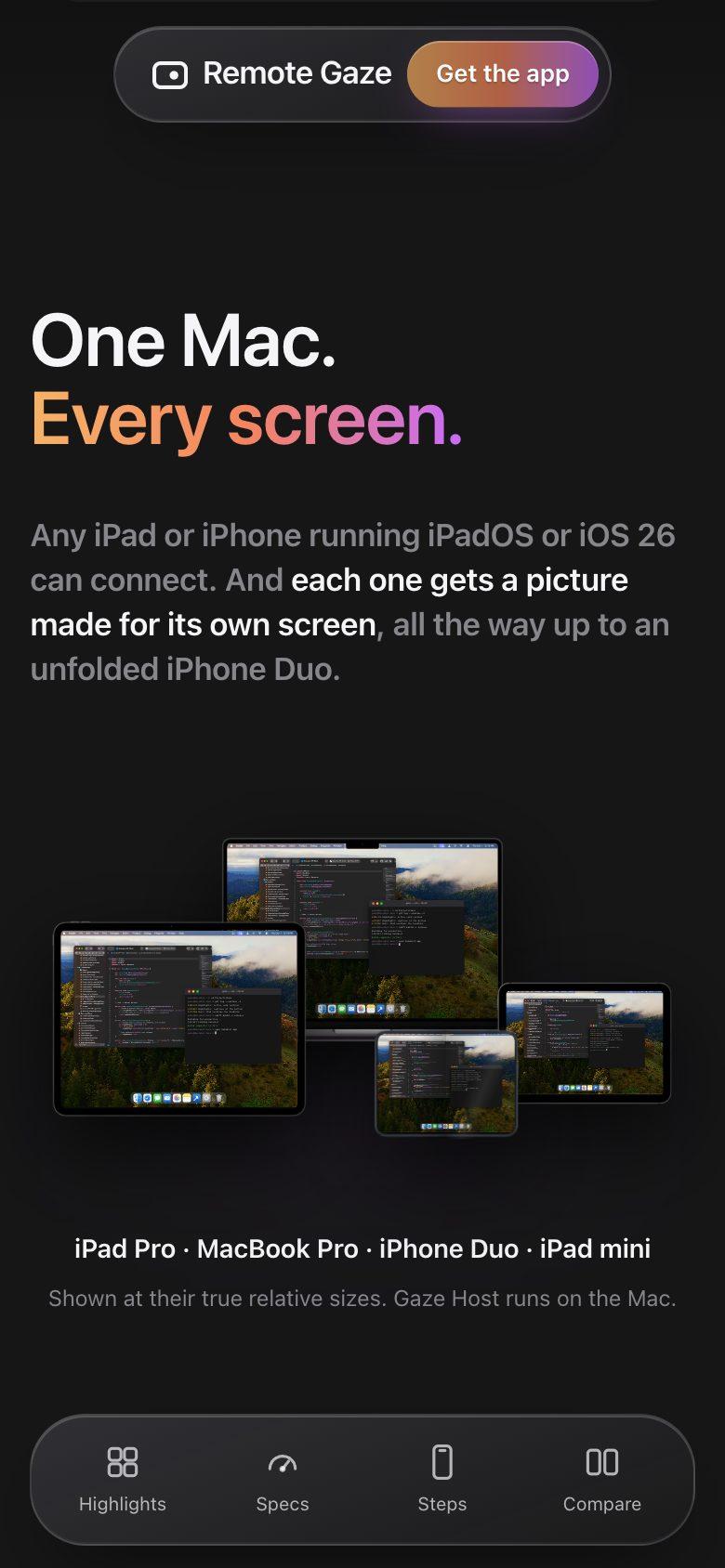
Remote Gaze is a remote desktop for Apple devices. It streams a Mac's screen as hardware-encoded video to an iPad or iPhone and returns touch, keyboard, trackpad, clipboard and dictation as the Mac's own input. Two apps work together: Gaze Host, a free Mac app downloaded from the project's site, and Remote Gaze for iPad and iPhone on the App Store. The site states that devices pair once with a six-digit code and then talk directly to each other, with no account and no server in between, at home or from another network. This case study covers both the apps and the marketing site.
Who We Designed For
Mac owners who want to use their Mac from an iPad or iPhone, at home or away
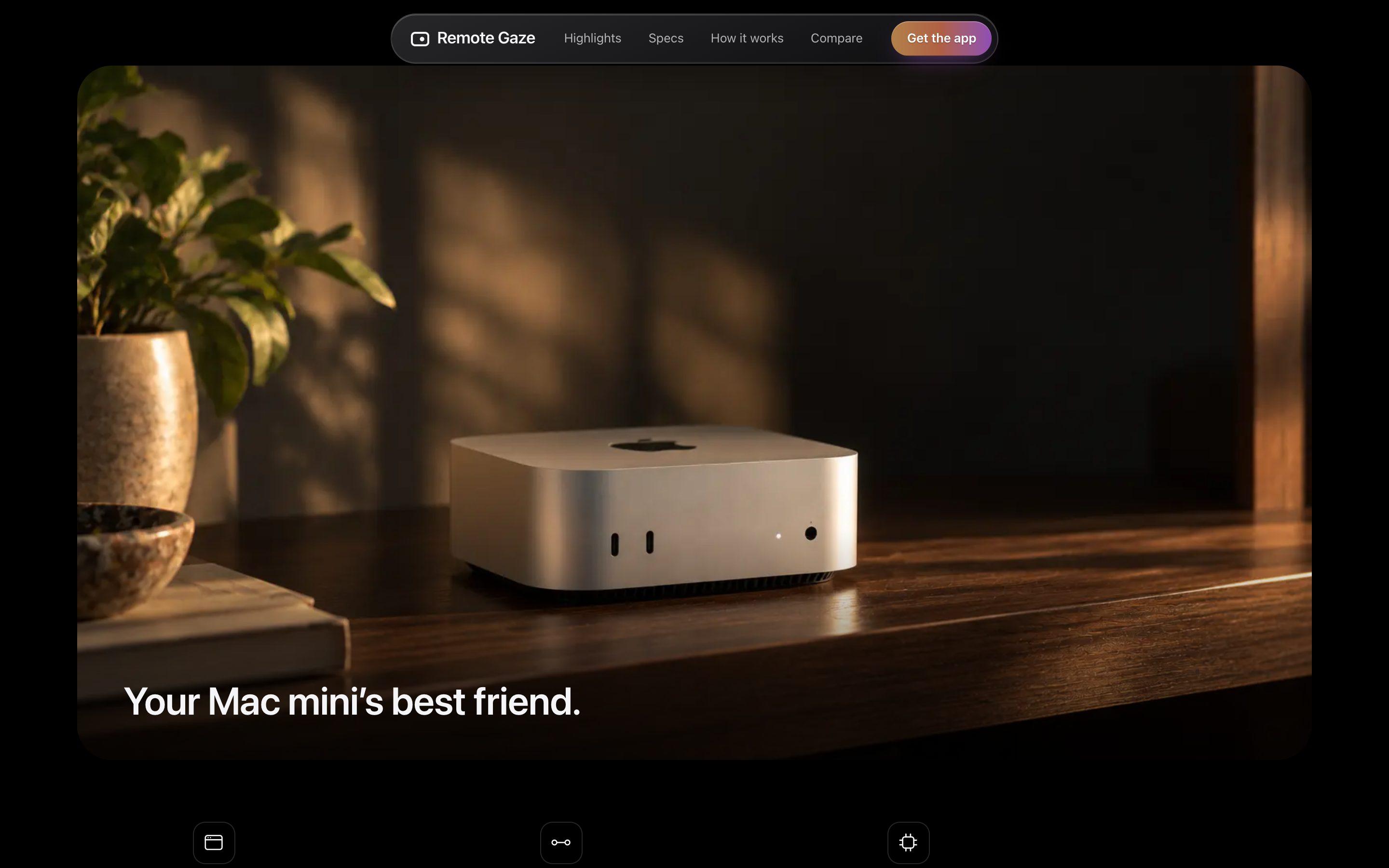
Mac mini owners running headless
The site's "Go headless" section pitches a Mac mini with no display or keyboard, reached from an iPad or iPhone.
People using their Mac away from home
The "Wherever you are" section walks through home, a café, an airport and cellular use.
Privacy-conscious users
The "Private. By design." section leads with no accounts, no servers in between and keys held on the user's own devices.
Tech Stack
On Mobile
Process
Spec and core buildSept 18 to 21, 2026
A design spec approved on Sept 18 set the first goal (a Mac's screen on an iPad, with input going back, at 60 FPS and low latency on a local network) and a priority order for trade-offs: input responsiveness, then connection reliability, security, visual clarity, frame rate and bandwidth. Over Sept 19 to 21 the work added the Mac host app, the iPad client, app mode, clipboard sync, audio, file transfer, iPhone support, per-device pairing keys and reaching a Mac from another network.
Landing pageSept 27 to Oct 3, 2026
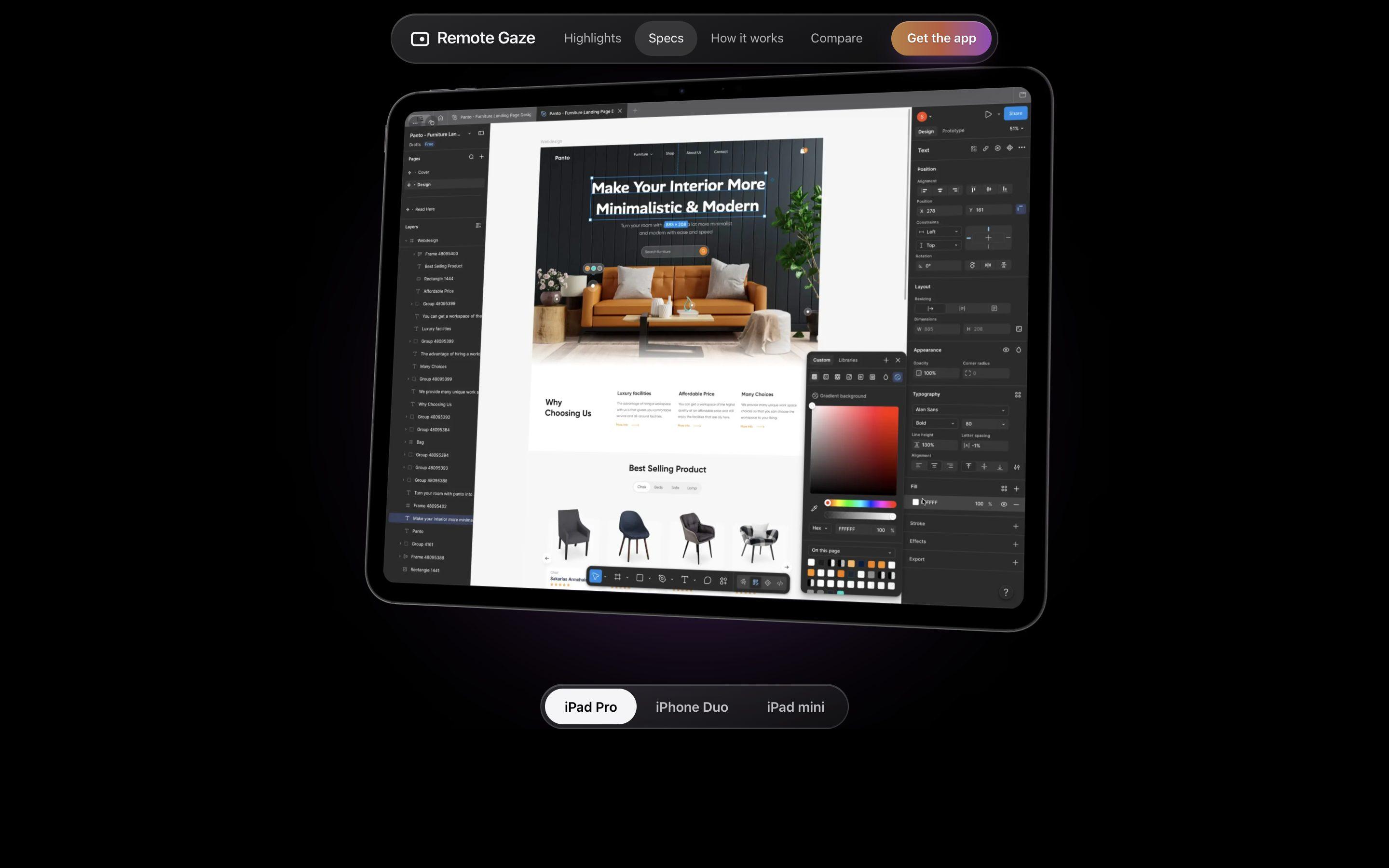
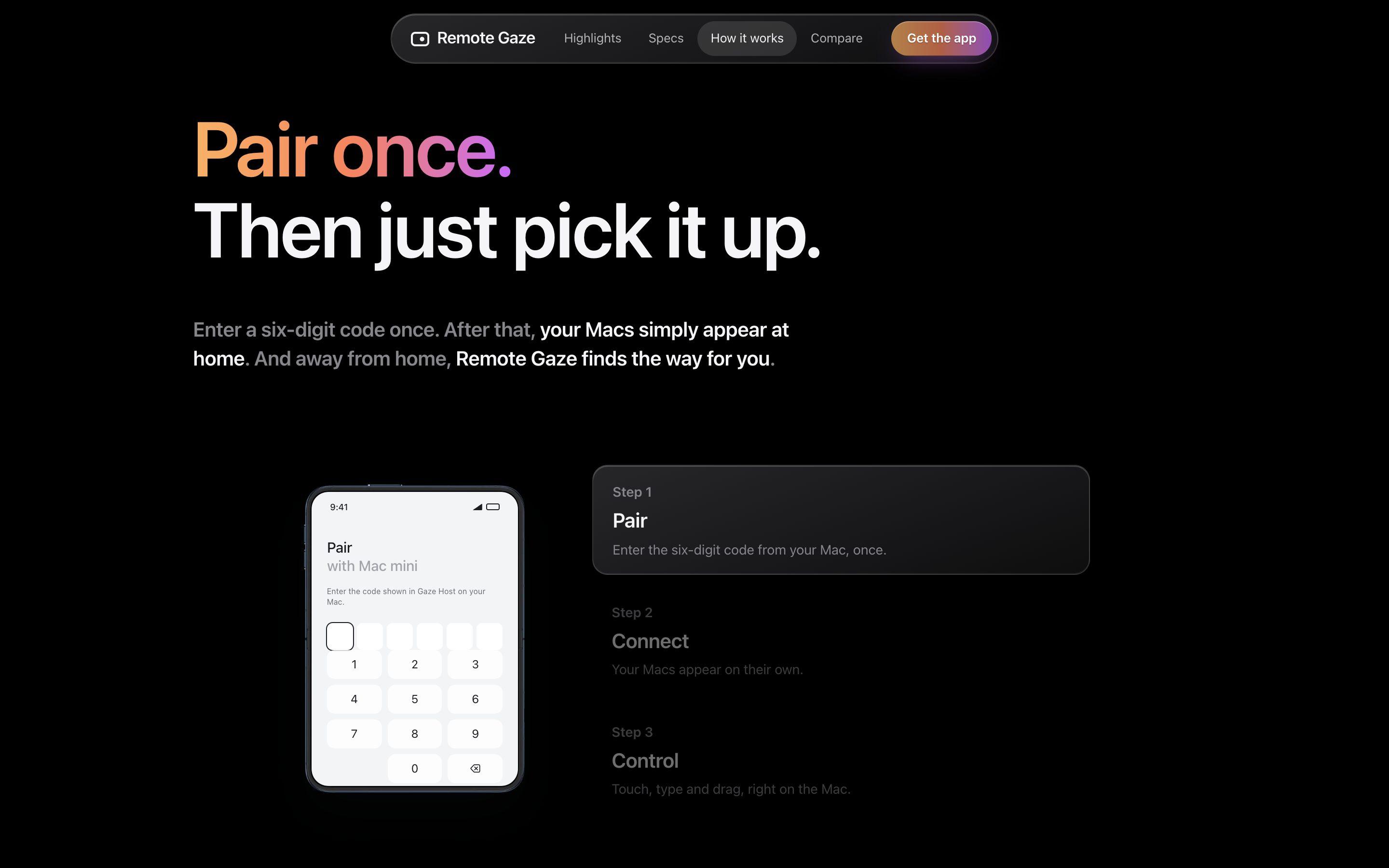
The site started from create-next-app on Sept 27, with a first landing page the same day and device frames the next. Most of the page took shape on Oct 1: the copy was rewritten, and the Highlights carousel, the Specs section that zooms out from a full-bleed screen, the Compare device switcher, the animated How it works and a hero where the iPad tilts back on scroll all appear in that day's commits. Oct 2 added the download, privacy, support and FAQ pages.
Security controls and first runOct 1 to 3, 2026
Oct 1 added Face ID before reaching a Mac from away, a device-bound key in the Secure Enclave, a connection history, a per-device idle timeout and a privacy curtain for Macs with a monitor. Oct 2 added welcome pages and holding screens for missing Mac permissions, a review pass before App Store submission, and a notarized Gaze Host download with update checks. The larger pieces each have a dated design spec in the repo.
LaunchOct 20 to Nov 4, 2026
On Oct 20 the site's beta sign-up was replaced by a link to the App Store listing, and a social preview image and metadata were added. On Nov 4 robots.txt, a sitemap, canonical links, structured data and an llms.txt file were added so search engines and AI agents can read the site.
AI Collaboration
Tools
Claude
Approach
Claude is credited as co-author on nearly every commit across the apps and the landing page. The larger pieces of work have dated design specs and implementation plans, and several specs were committed before the code they describe.
Features
Picture and input
- Hardware-encoded HEVC video, with full-resolution 4:4:4 color when the Mac and the device both support it
- A Sharpest or Smoothest choice for the picture, or Automatic
- App mode reshapes one Mac app to fill the iPad or iPhone at the device's own resolution
- Direct Touch: tap what is under the finger, swipe to scroll, hold to drag, or switch to a trackpad
- Tap areas grow around small Mac controls while the picture stays as it is
Connecting
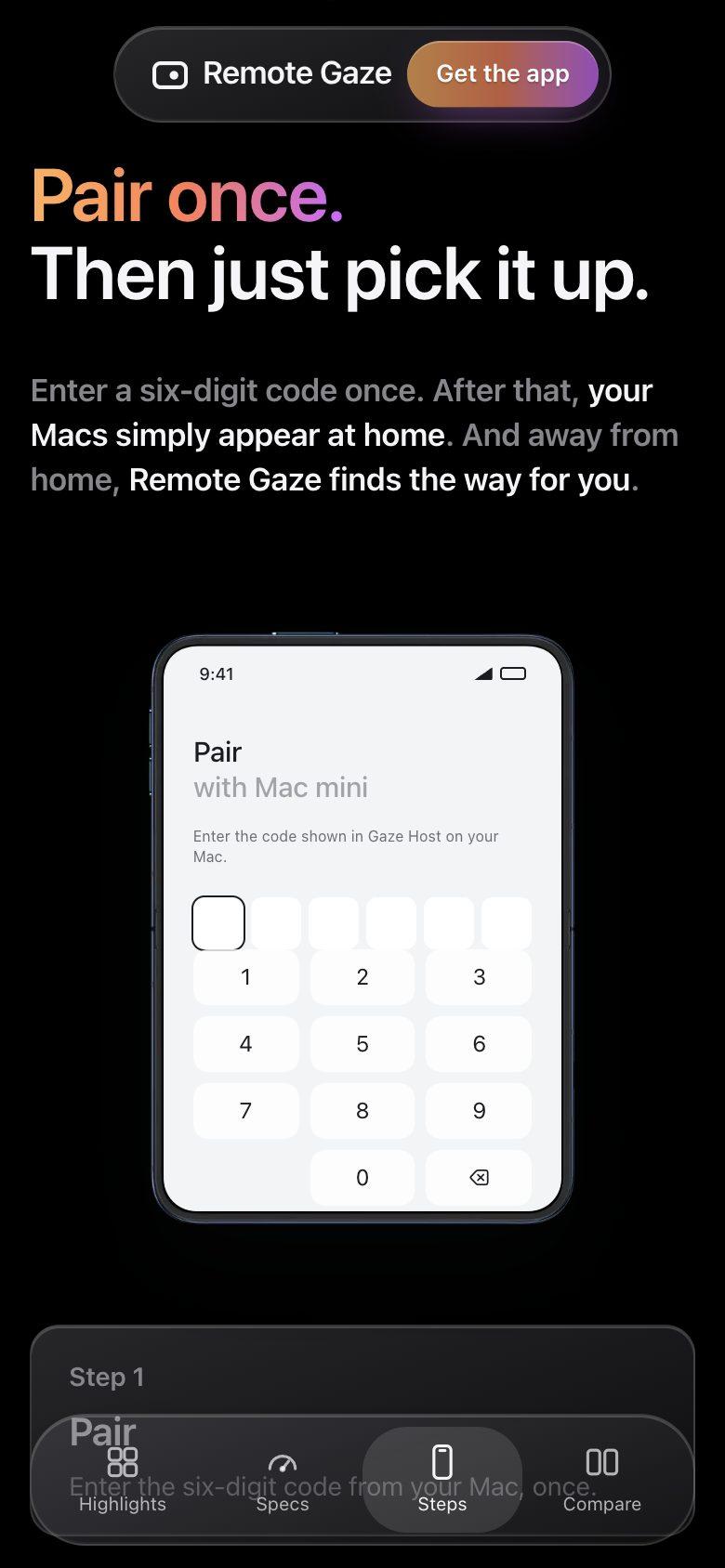
- Pair once with a six-digit code shown on the Mac
- Paired Macs appear in the app on their own when on the same network
- Away from home, Gaze Host asks the router to open a port that changes every ten minutes, or a VPN such as Tailscale or WireGuard can be used
- The app reconnects on its own after a network change or a Mac restart
- Works over cellular on iPhone
Privacy and control
- No account, no analytics and no cloud relay, according to the site
- A random 256-bit key for each paired device; removing a device stops its key working
- Away from home, Face ID, Touch ID or the passcode is asked for first, and the device key lives in the Secure Enclave
- The Mac keeps a history of every session, file and turned-away try
- Idle disconnect, and a mode that blacks out a monitor and ignores the Mac's own keyboard and mouse
Everyday use
- Clipboard and files both ways, including dragging files onto the Mac's picture
- The Mac's sound plays on the iPad or iPhone
- Dictation lands as typed text on the Mac
- Gaze Host gives a Mac mini with no display a screen of its own
- Welcome pages on first launch, and holding screens that explain which Mac permission is missing